Starting from:
$25
Osqul Preset Pack v2
7 reviews
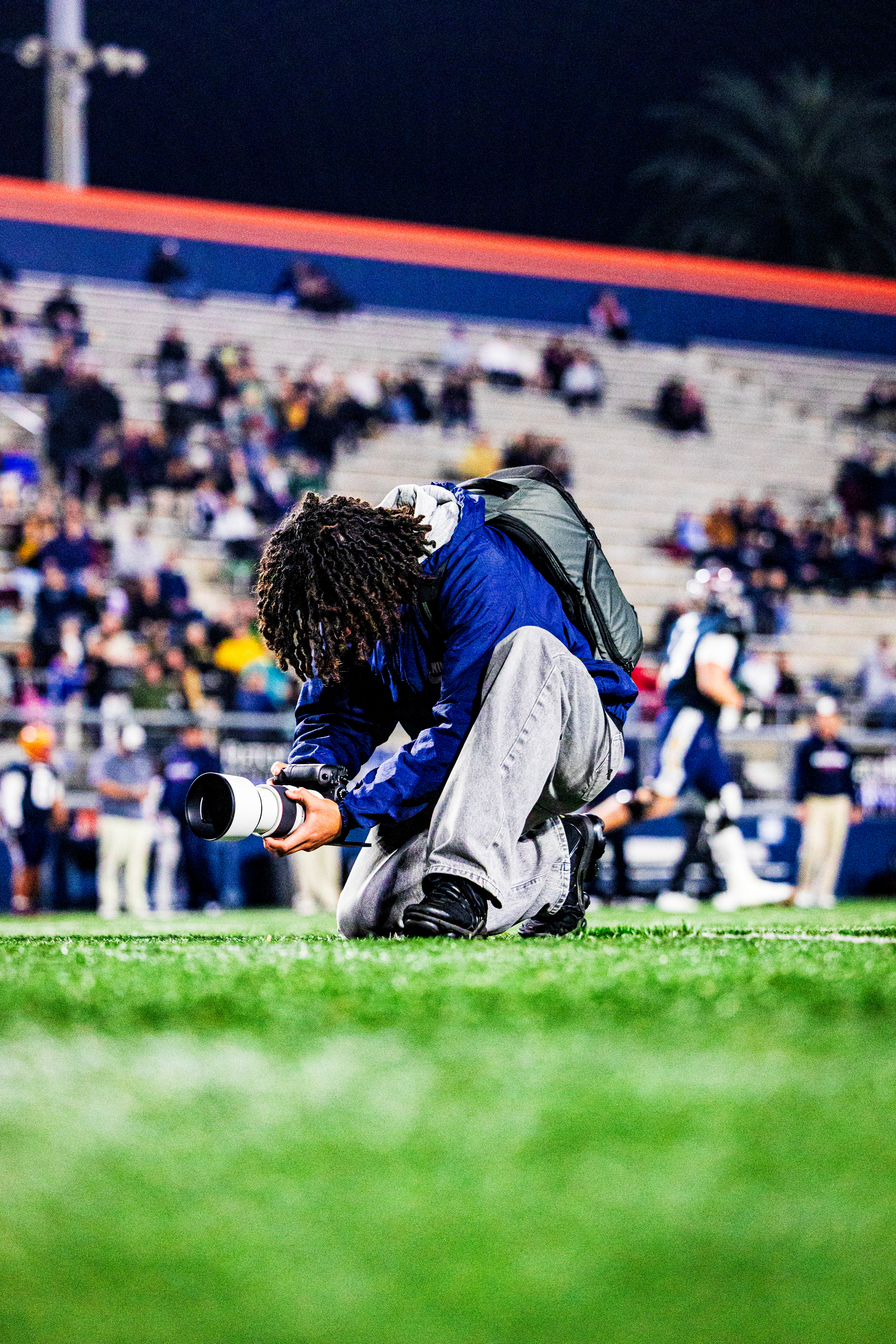
Includes 10 Premium Lightroom Presets for Adobe Lightroom, Lightroom Classic, and Lightroom Mobile. This preset pack includes a dynamic range of edits tailored for sports photography, indoor and outdoor settings, and the exact presets I use on my instagram page.
Also includes a tutorial on how to import presets on Lightroom Mobile.
IMPORTANT: HOW TO IMPORT ON DESKTOP
- Unzip the downloaded ZIP file.
- Open Lightroom on your computer and navigate to the Presets section.
- Click on File > Import Profiles & Presets.
- Select the unzipped presets folder (or ZIP file, if required) and click Import.
- Restart Lightroom — your new presets will now appear in the Presets panel.
Please Note: These presets are for personal use only and may not be resold or redistributed. All sales are final, and no refunds will be issued after purchase.
2 files (14.2MB)